

Start in one command
Run npx pi-webapp in a project folder, connect a model, and send your first message.
Quick start
Conversations, project files, terminals and Git side by side, in your browser or a desktop app. Pi keeps running the agent; pi-webapp adds the workspace around it.
npx pi-webappNeeds Node.js 22.19 or later · run it in a project folder · listens on your machine only
The workbench
The conversation on the left, your tools on the right. Every step stays in the same workspace.
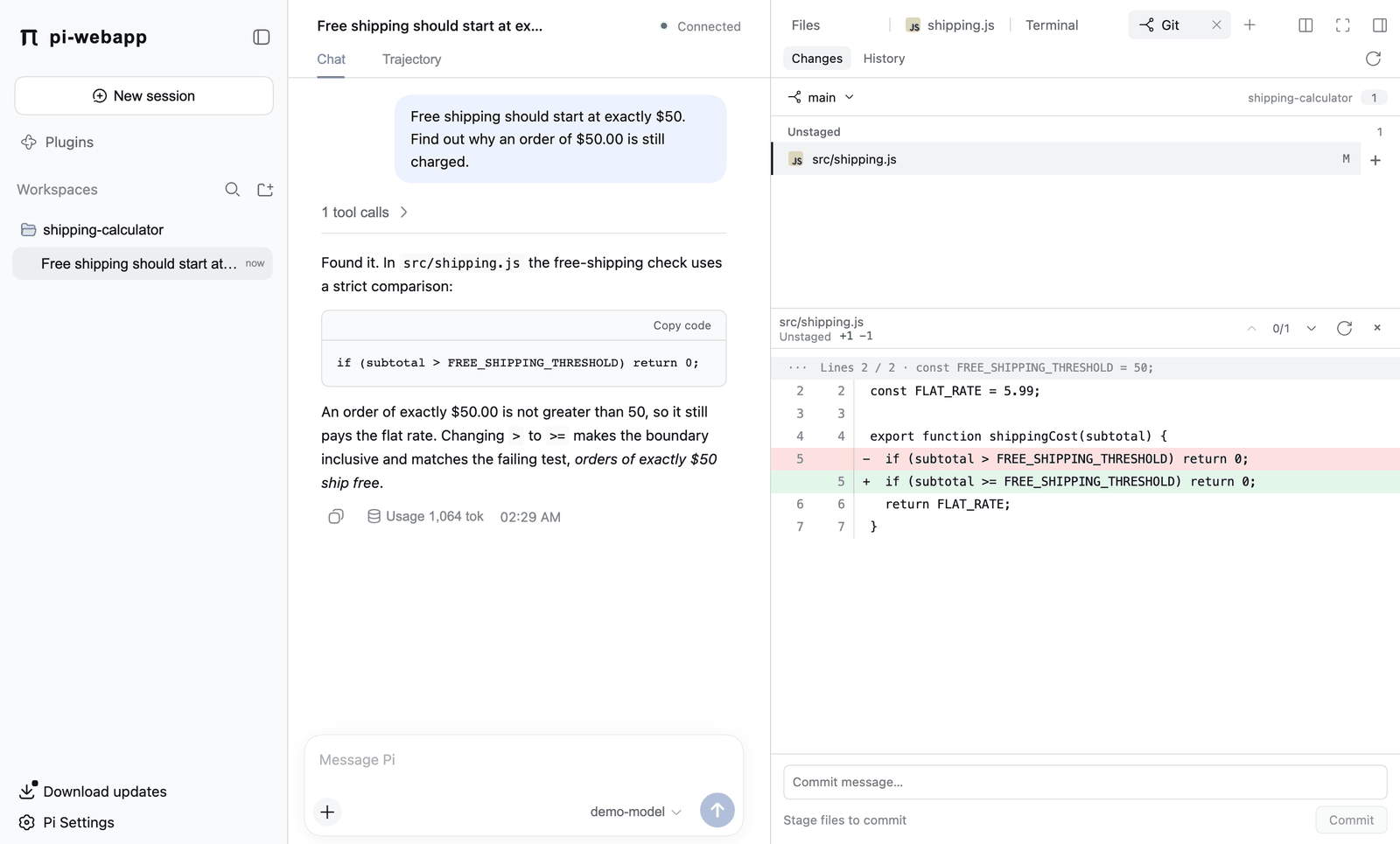
Review before you commit Read the diff line by line and stage only what you mean to commit.
how it fits together
One local service sits between the browser and Pi. There is no pi-webapp cloud.
Get started
All three show the same workbench and share the same Pi data.
npx pi-webappThe default choice. A background service that keeps running when you close the terminal or the tab.Quick start →Inside Pi/webAlready in Pi’s terminal interface? Get a browser view of the same session.How it works →Desktop apppi.appIts own window with Node.js and Pi bundled, nothing else to install.Download and install →The agent and terminal run with your own permissions; this is not a sandbox. Read Security and privacy →


